Two different jobs share the word "CRM" at an agency
An agency almost always needs a CRM for two different jobs, and conflating them is the most common mistake. The first job is your own business development: the pipeline of prospects who might hire your agency. The second is client delivery: the outbound or CRM work you run on behalf of clients, where every client's leads, sequences, and reporting need to stay separate from every other client's, and from your own.
If you use one CRM for both without a plan, you end up with your own deals mixed into a client's pipeline view, or a client asking why they can see another client's contacts. Decide which job you're solving before you shortlist. Most agencies eventually need both, sometimes in different tools.
Built specifically for agencies
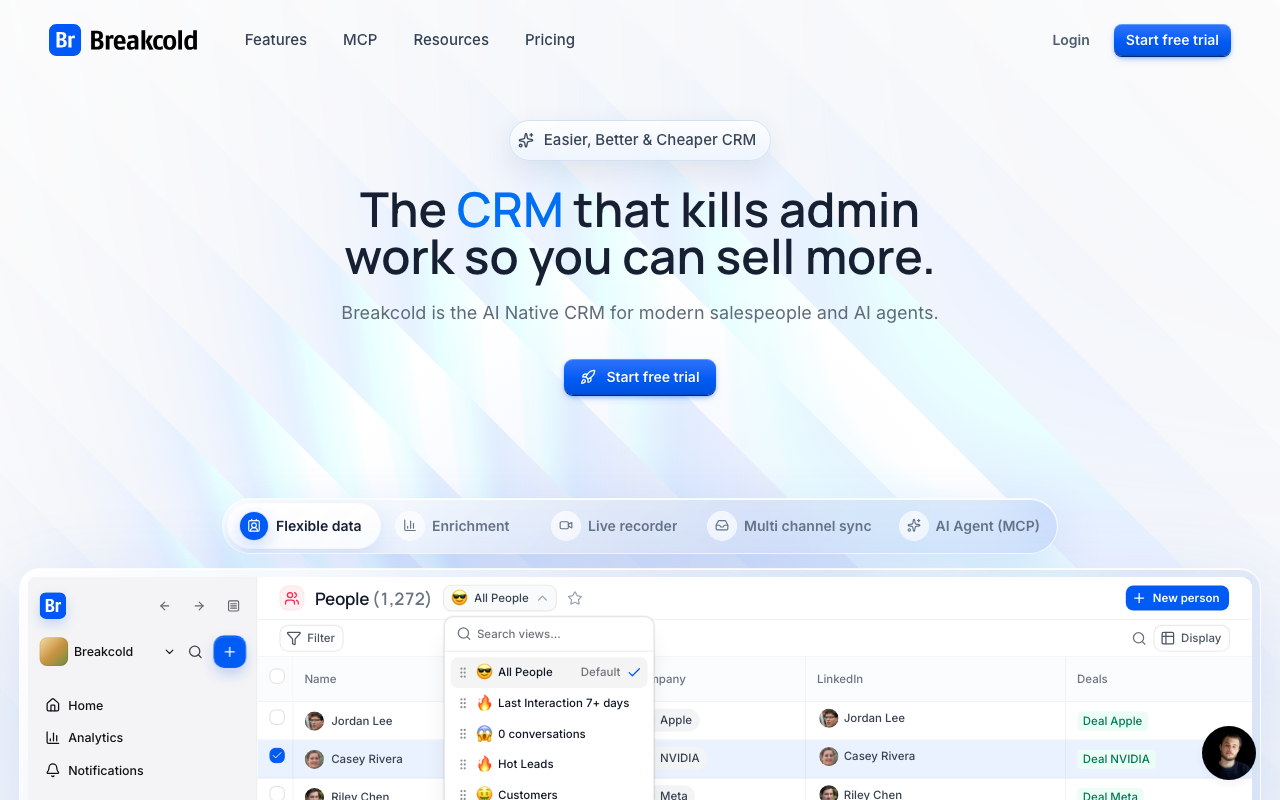
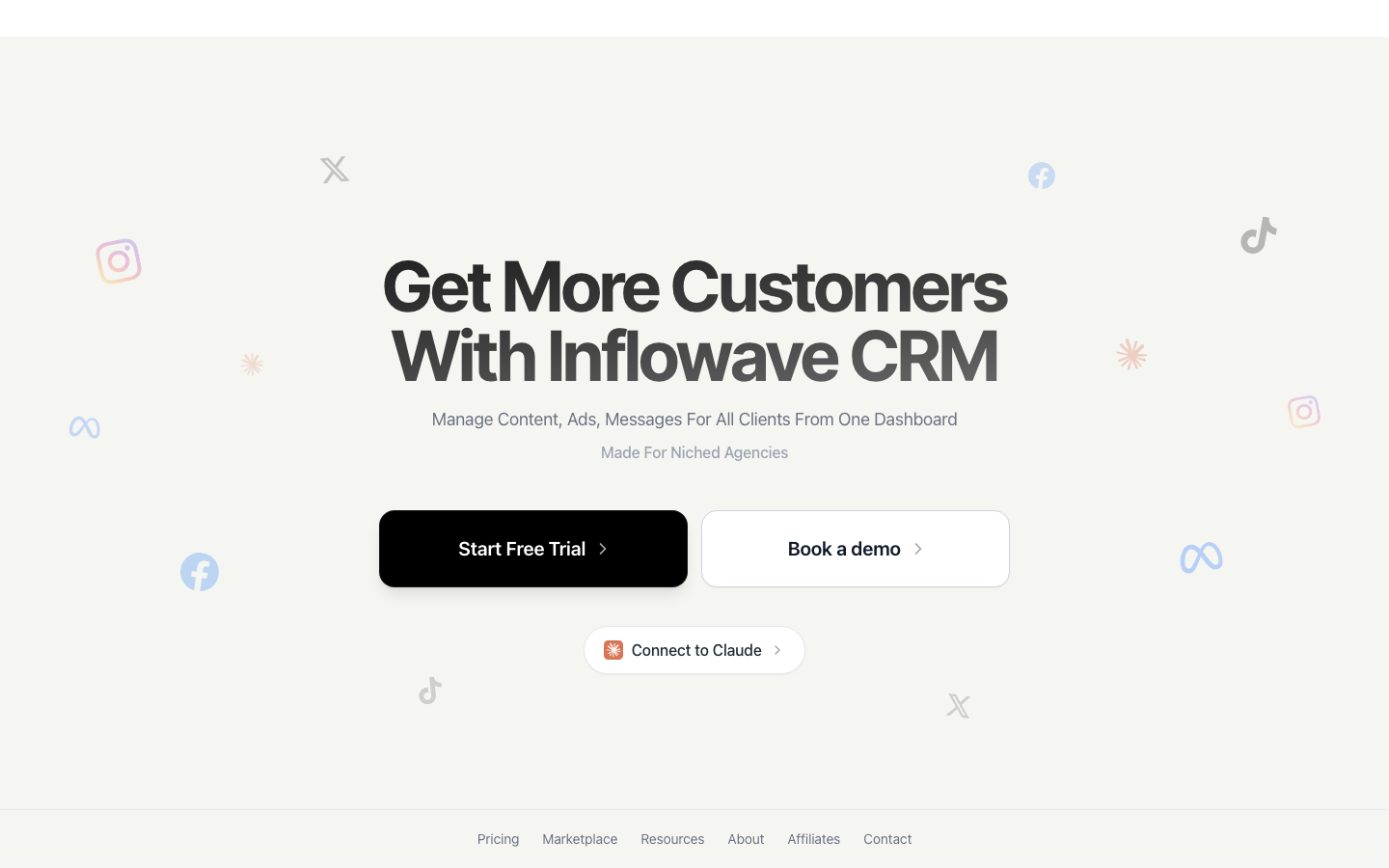
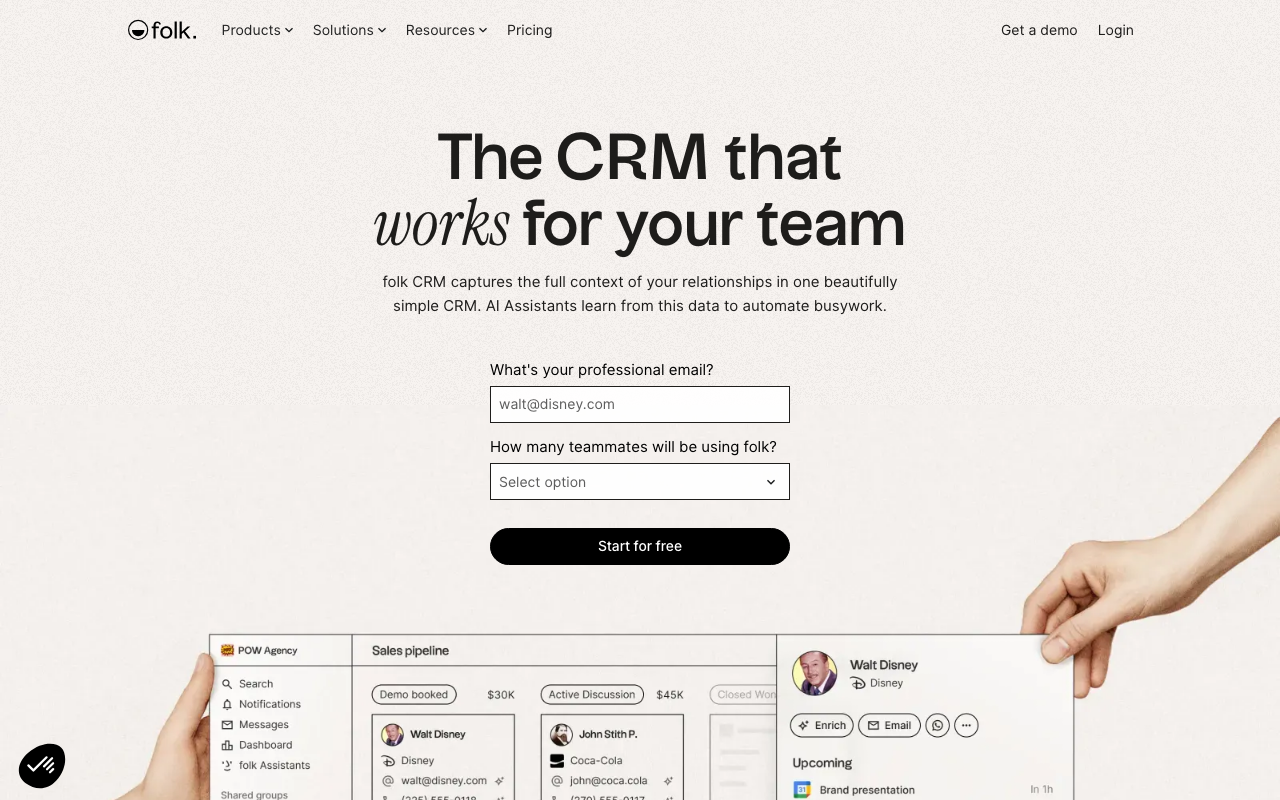
Inflowave, Breakcold, and folk ship a named multi-client workspace, per-client permissions, or a white-label client portal out of the box, not something you configure yourself. Inflowave centers on unified social-channel inbox and outreach (Instagram, WhatsApp, SMS, email) with agency tiers from $149 to $497/mo once you're managing multiple client accounts, plus a free plan for testing on your own pipeline first. Breakcold and folk lean lighter and more relationship-led, better suited to a small agency running a handful of client pipelines than a high-volume outbound shop.
Flexible enough for agencies, with setup
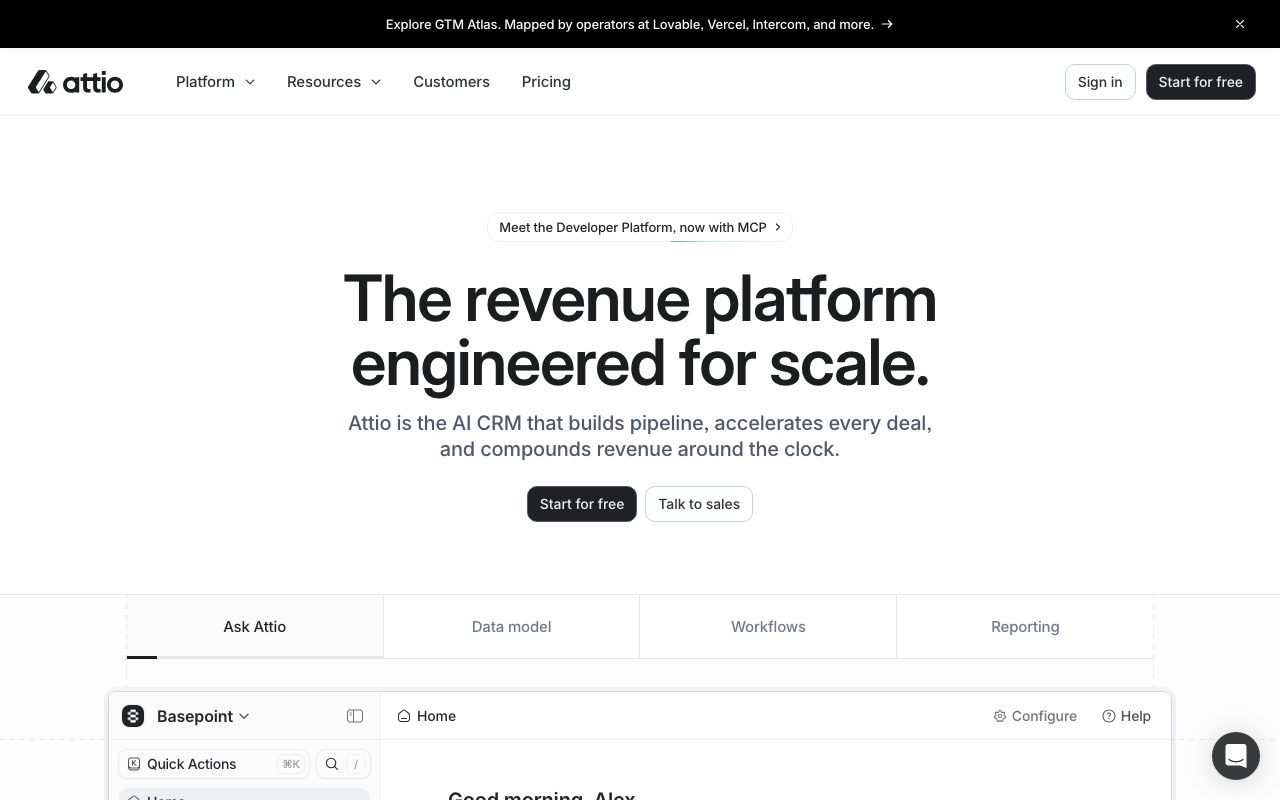
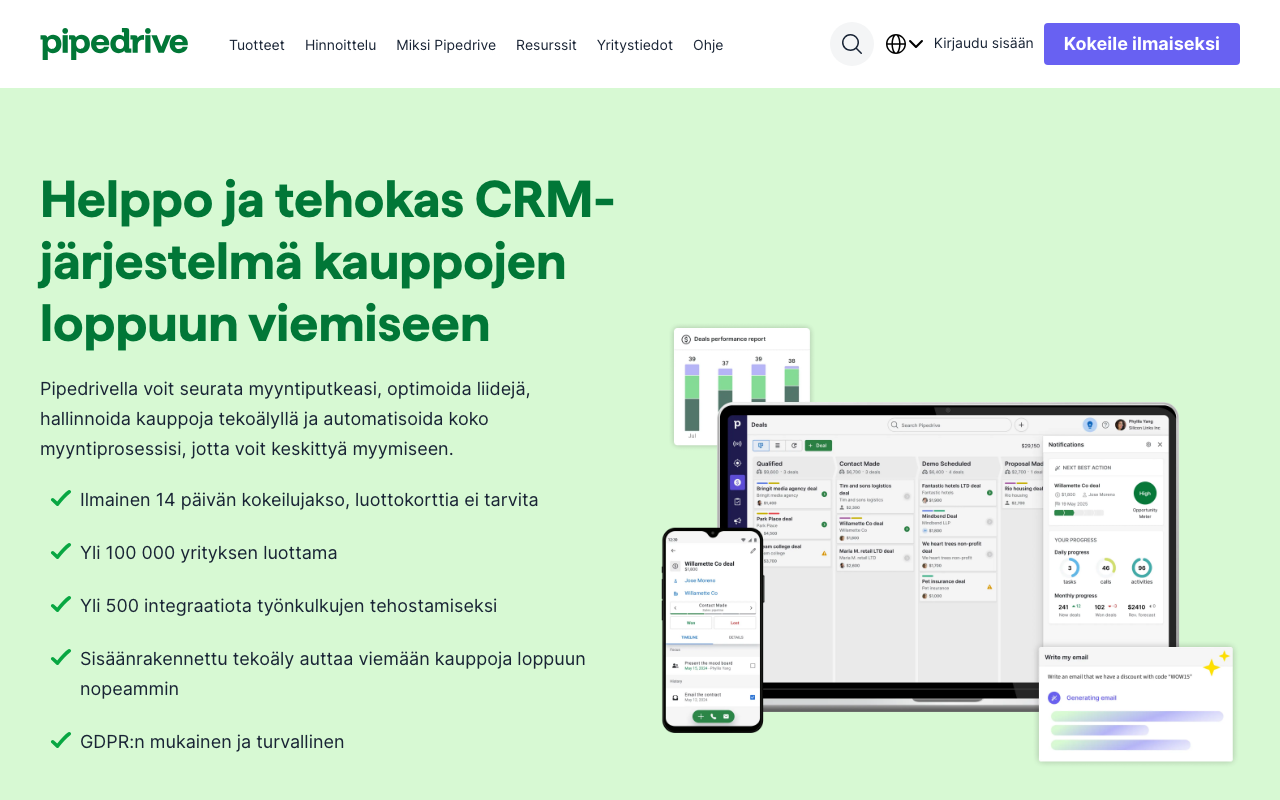
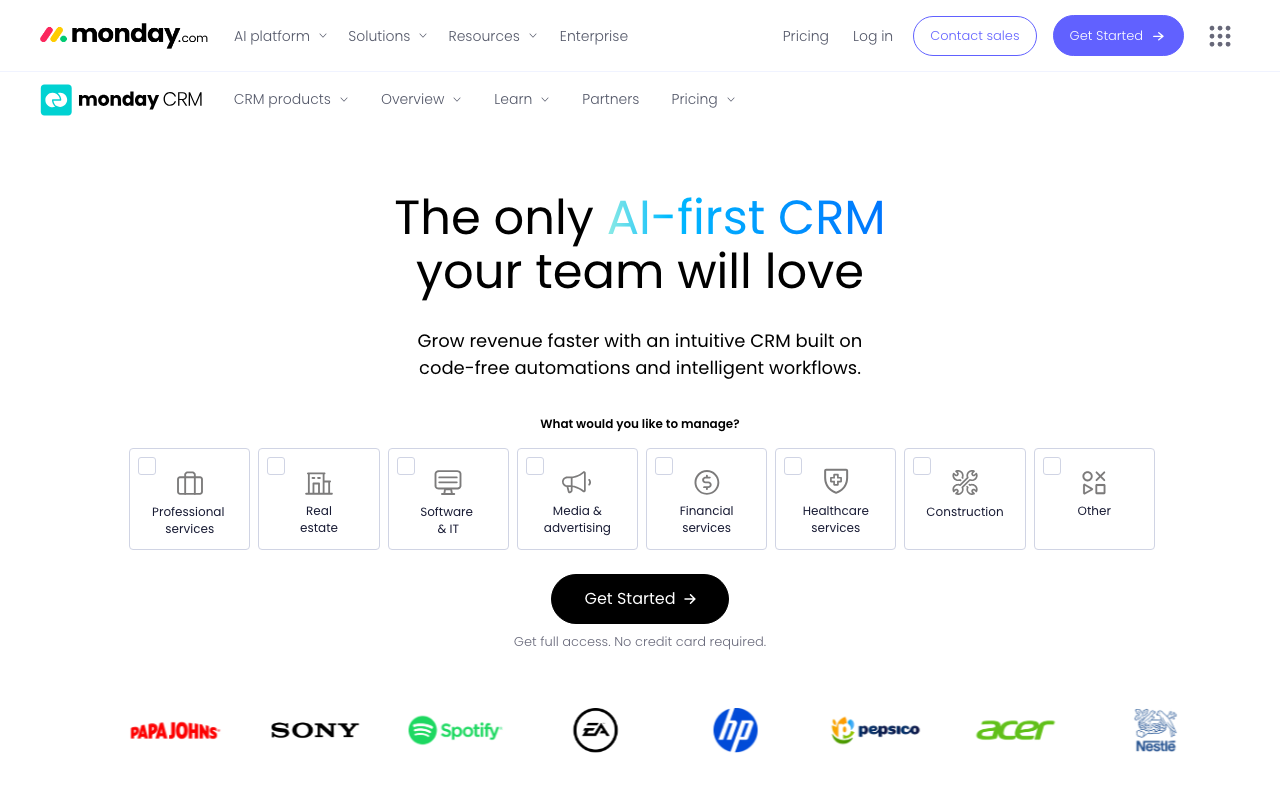
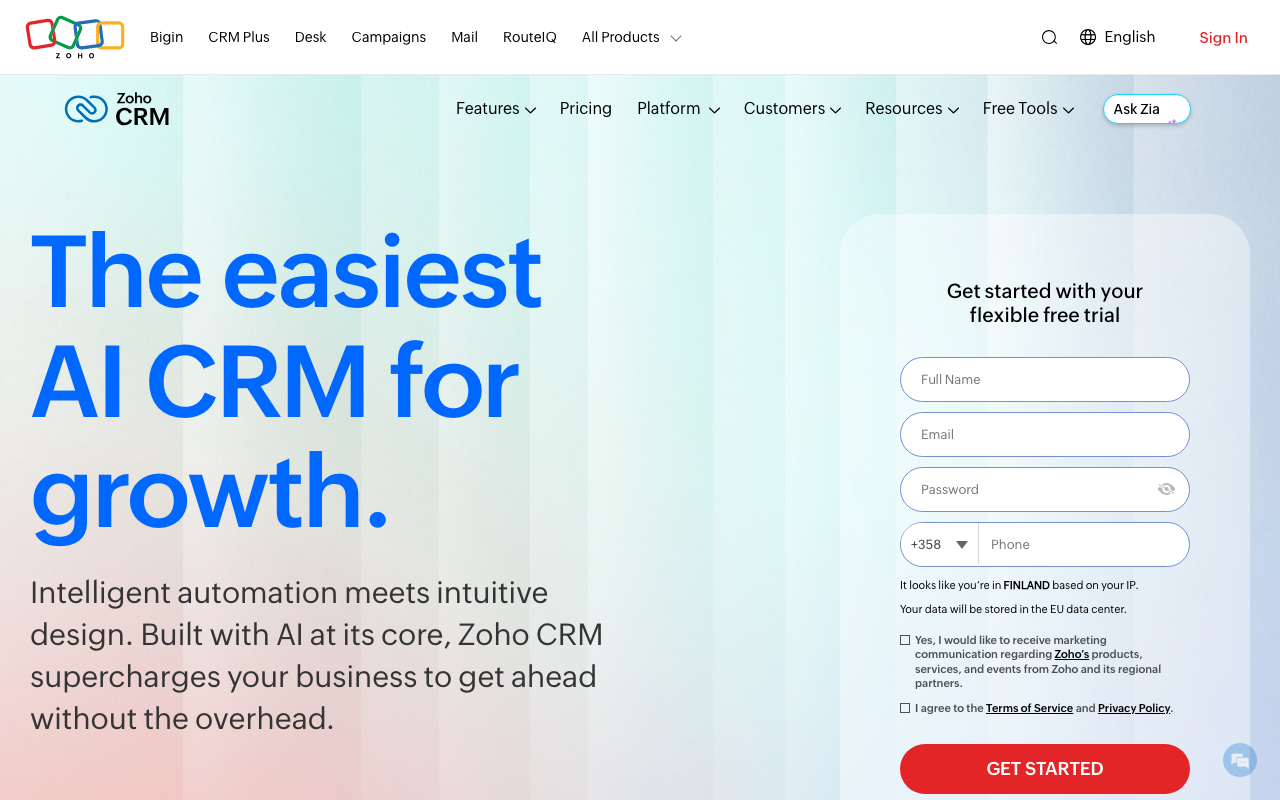
Attio, Pipedrive, monday CRM, and Zoho CRM all publish an agency-facing page and have the custom pipelines, objects, tags, or permission levels to separate client work, but none ships a dedicated "client workspace" feature. Expect to build the separation yourself: one pipeline per client, a tagging convention, or role-based views that keep client data apart. Attio's flexible object model is the strongest fit if you want to model clients as first-class records with their own linked contacts and deals. Pipedrive and Zoho CRM are the cheaper entry points ($14/seat/mo each) if the agency itself is small and budget-conscious.
What to check before you commit
Account ownership. If a client relationship ends, can you hand off their data and configuration cleanly, or does it live tangled inside your own account? Ask this before you build out client pipelines, not after the first offboarding.
Permissions. Can you give a client's team read-only or edit access to just their own pipeline without seeing anyone else's? This is the actual test of "built for agencies" versus "flexible enough": a dedicated workspace tool answers yes by default, a general CRM answers yes only if you configure it correctly.
Billing model. Per-seat pricing gets expensive fast once you're paying for access across multiple client pipelines. Check whether a tool bills per seat, per workspace, or has an agency-specific tier before you scale past two or three clients.
Reporting you can hand to a client. A client wants to see their own funnel, not a filtered view of yours. Confirm the tool can produce a client-facing report without exposing other clients' data or your internal pipeline.
A trial task worth running
Before you commit, set up two fake client workspaces (or pipelines) plus your own business-development pipeline in the same trial account. Add a handful of test leads to each, then try to answer: can you view each client's pipeline in isolation, export just their data, and share a filtered report externally? If any of those takes a workaround, that's the real cost of the tool's client-separation story, not the marketing page.
For your own agency pipeline specifically, see Best CRM for Small B2B Sales Teams. For the outreach layer clients need on top of whichever CRM you choose, see Best Cold Outreach Software.