
Who Screenpipe is for
Screenpipe is for someone who wants a private, searchable record of everything on their own screen and in their own calls, and is comfortable running a background recorder on their machine to get it. If you're an individual who wants to ask "what did that prospect say about budget three calls ago" without depending on a vendor's cloud, it does that well.
It is a weaker fit if you're buying on behalf of a sales team. Screenpipe was not built for sales. There's no deal scoring, no pipeline analytics, no coaching workflows, no manager view into rep call quality. If that's what you need, look at purpose-built conversation intelligence tools like Gong or Chorus, both of which are built around revenue teams rather than individual memory. Revenue Directory's best conversation-intelligence roundup lays out how the category splits between tools built for reps and tools built for RevOps oversight.
A personal AI-memory tool that happens to record meetings
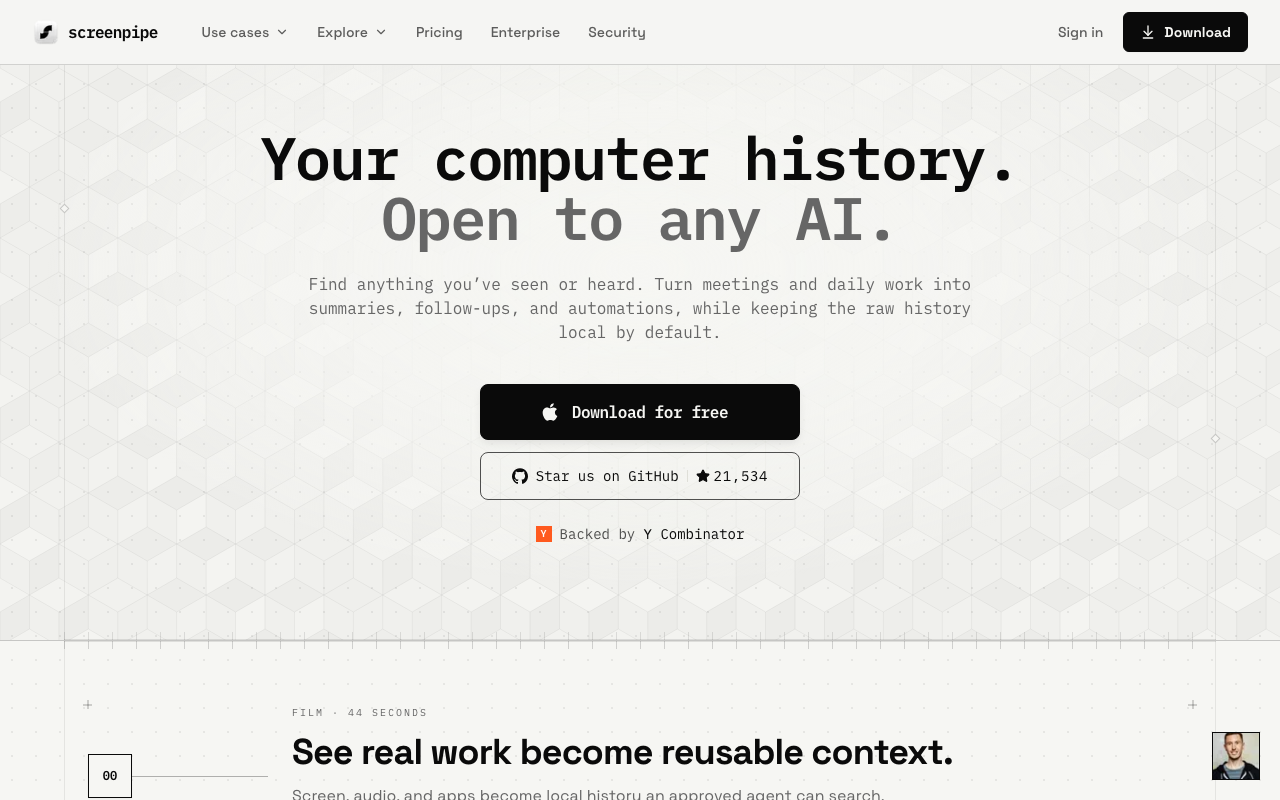
Screenpipe's core pitch has nothing to do with sales. It's a local-first recorder: it captures your screen and audio continuously, indexes it, and keeps everything on-device unless you explicitly turn on cloud AI, transcription, or sync. Founded in 2024 by Louis Beaumont and operated by Negentropy Labs, Inc., it reads more like an "AI memory" infrastructure project that sales happens to be one use case for, alongside research, support, and general knowledge work.
The privacy model is the strongest argument for it. Nothing leaves your device by default. For anyone who has ever hesitated to hand a bot access to a customer call because the audio goes to a third-party server, that's a real difference from most of the conversation intelligence category, where the vendor's cloud is the whole product.
The catch is what it costs you operationally. Unlike a calendar-invite bot or a browser plugin that shows up only when a meeting starts, Screenpipe needs its recorder running in the background at all times to catch anything. That's a different mental model than "invite the notetaker to this call," and it means the tool is capturing screen activity well beyond your sales calls, which is either a feature or a liability depending on how you feel about a always-on recorder on a work laptop.
It's also worth being clear-eyed about the licensing. Screenpipe is source-available under its own Commercial License, not open source, and any business or revenue-generating use requires a paid license after a 7-day trial. That's a fair model, but it's not the "open source darling" framing some pipeline write-ups give it.
Where Screenpipe lands on AI-stack fit
This is genuinely the interesting part, and it's why Screenpipe shows up at all on a site built around AI-stack fit rather than pure feature checklists. It ships an official MCP server, built into the main repo, that exposes search, transcripts, meeting history, speaker data, and automation tools directly to Claude, ChatGPT, and other MCP clients. It also runs a local REST API on localhost:3030 for anyone who wants to script against their own capture history. That combination earns it a 62 out of 100 AI-stack-fit score, respectable for a tool this narrow in sales scope, and ahead of plenty of "sales software" that has no programmatic surface at all.
The honest caveat: both the MCP server and the API depend on the Screenpipe recorder actually running on your device. There's no cloud endpoint to point an agent at if the local process isn't up. And the moment you turn on cloud AI, transcription, sync, or third-party integrations to get more out of it, you're sending captured screen and audio context off-device, which undercuts the local-first pitch that got you interested in the first place.
Pricing notes
Screenpipe's Free tier is $0 for local, on-device capture with recent-history search and AI tool integration, but it's scoped to personal, non-commercial use. Basic runs $21/mo, or $250/yr billed annually, for one user with full searchable history. Business is $42/seat/mo, or $500/seat/yr billed annually, and adds cross-device sync, team workflows, and managed seats, which is the tier you'd actually need if more than one person on a sales team wanted this. Enterprise is custom pricing with SSO, MDM, and retention controls. Verify current pricing on Screenpipe's site before you commit; these figures are current as of publication.
The verdict
Screenpipe scores 5.8 out of 10 here, and the low-ish number reflects a mismatch more than a quality problem. It's a capable personal AI-memory tool that happens to record meetings, not a conversation-intelligence platform built for sales. If you're an individual who wants a private, searchable record of your own screen and calls, and you don't mind running a background recorder and paying for a commercial license once you use it for work, it's a legitimate option with a stronger AI-agent story than most tools twice its category-fit.
If you're buying for a sales team that needs deal scoring, coaching, or pipeline visibility, this isn't the tool. Gong and Chorus are built for that from the ground up, and Grain is a lighter option if you want call recording with actual sales workflows attached. Check the best conversation-intelligence roundup for the full comparison before you pick one.